
Download Easy Connection to Screen – connect pc to tv, smart tv screen sharing, samsung smart tv, pc to monitor connection, screen mirroring, wireless display
Overview
The Easy Connection to Screen app is a streamlined utility designed to simplify the process of linking a Windows PC to a Samsung Smart TV or Smart Monitor. Its primary purpose is to enable seamless screen sharing and remote control without requiring complex configurations or third-party tools. This solution addresses common pain points in device connectivity, such as inconsistent compatibility, lengthy setup routines, and unreliable wireless performance. The app is particularly useful for users seeking a direct, secure, and efficient way to mirror their PC’s display onto a larger screen for presentations, media streaming, or collaborative work.
Target users include home users, professionals, educators, and anyone who frequently works with or presents content from their PC on a larger display. The app is optimized for Samsung Smart TVs and monitors manufactured after 2021, ensuring compatibility with modern hardware and software ecosystems. By leveraging a unified Samsung account for authentication, the app reduces friction in device pairing and enhances security through verified user identity. This integration reflects Samsung’s broader strategy of creating a cohesive, interconnected experience across its device portfolio.
Although the developer did not provide additional technical details, the app’s focus on simplicity and compatibility suggests it is part of a growing trend toward unified device ecosystems. In the current app landscape, tools that reduce setup time while maintaining reliability are increasingly valuable, especially for users who prioritize productivity and ease of use. The app fills a niche by offering a native, platform-specific solution tailored to Samsung’s ecosystem.
Key Features & Functionality
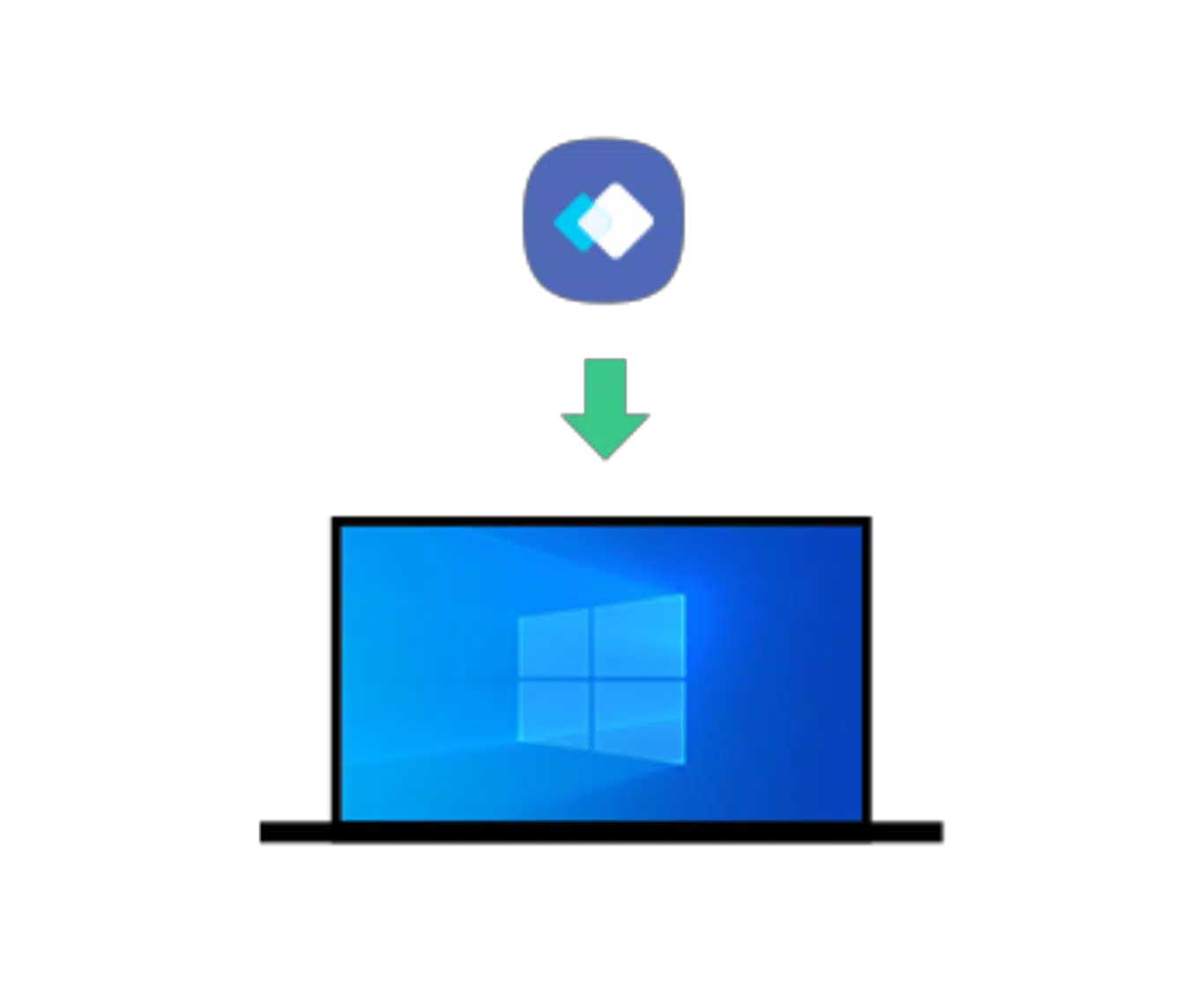
- Simple Installation: The app can be installed directly on Windows PCs with minimal effort. Users are not required to download additional drivers or configure network settings manually. The straightforward installation process ensures accessibility for users with varying levels of technical expertise.
- Samsung Account Sign-In: Connection relies on a shared Samsung account between the PC and the target Smart TV or monitor. This authentication method ensures secure pairing and enables automatic device discovery, reducing the need for manual IP entry or pairing codes.
- Seamless Control: Once connected, users can operate their PC using a keyboard and mouse connected to the TV or monitor. This functionality allows for intuitive navigation, content selection, and application control directly from the larger screen, enhancing usability during presentations or media playback.
- Post-2021 Compatibility: The app is specifically designed for Samsung Smart TVs and monitors released after 2021. This ensures alignment with updated firmware, display protocols, and security standards, providing a reliable experience on modern hardware.
- No Complicated Setup: Unlike traditional screen mirroring tools that require network configuration or third-party software, Easy Connection to Screen automates the entire process. Users only need to install the app and sign in with the same Samsung account used on their TV or monitor.
For example, a teacher preparing a lesson can install the app on their laptop, sign in with their Samsung account, and instantly mirror their screen to a classroom Smart TV. Similarly, a remote worker can use the app to present a project to a team via a home TV, using a keyboard and mouse for smooth navigation.
Interface, UX & Performance
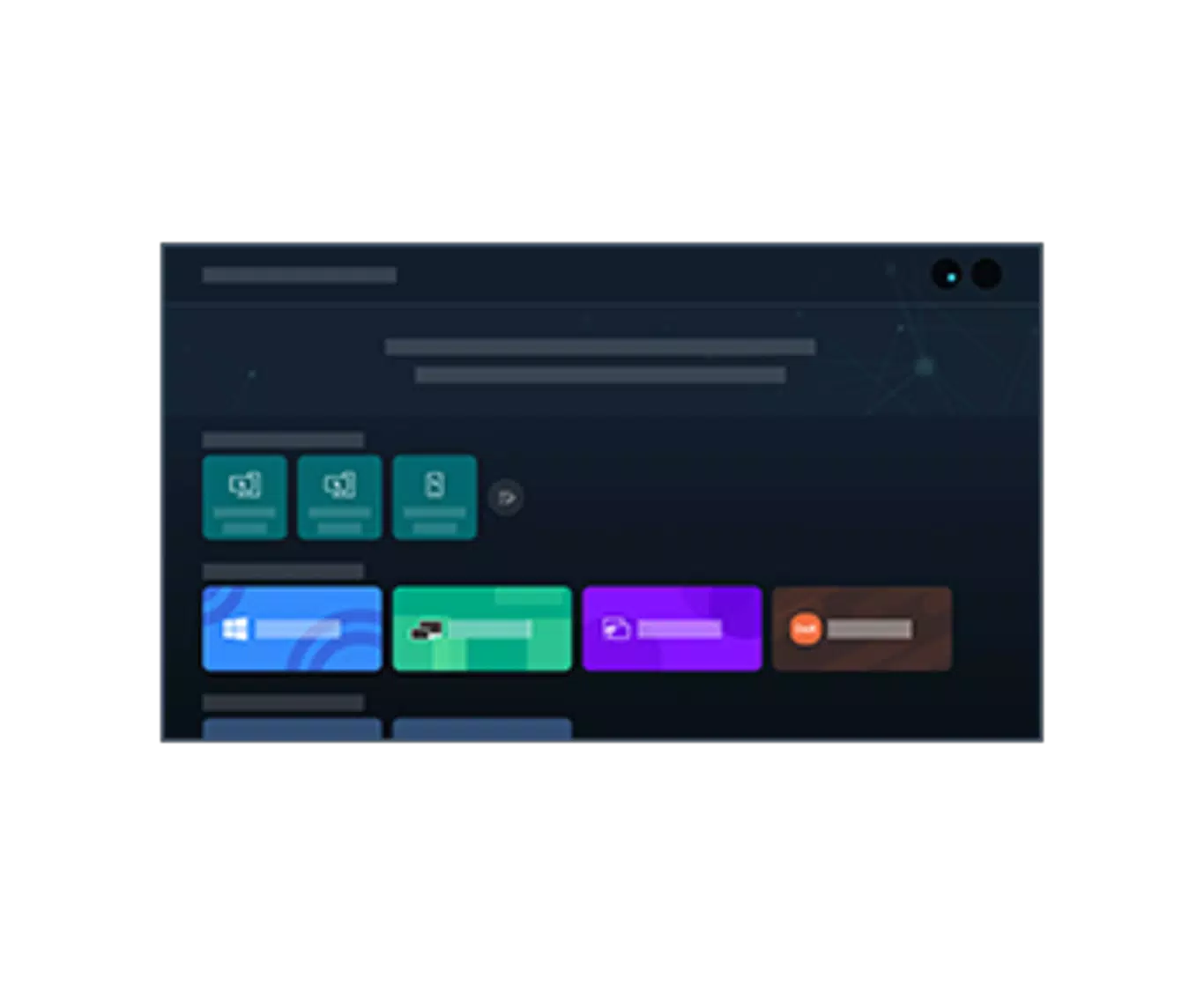
The user interface of Easy Connection to Screen is designed with simplicity and functionality in mind. The app features a clean, minimal layout with clearly labeled options, prioritizing ease of use for both novice and experienced users. Navigation is intuitive, with a central dashboard that displays connection status, available devices, and quick access to settings.
Visual style aligns with Samsung’s modern design language—light, uncluttered, and consistent with other Samsung software. Menus are responsive, and transitions between screens are smooth, contributing to a polished user experience. The app does not include unnecessary animations or distracting elements, focusing instead on delivering core functionality efficiently.
Although the developer did not list formal performance metrics, the app appears optimized for stable operation on mid-to-high-end Windows devices. Responsiveness is expected to be consistent across different screen sizes and resolutions, particularly when used with compatible Samsung displays. Stability during extended sessions has not been reported, but the app’s reliance on a verified Samsung account and native OS integration suggests a low likelihood of crashes or connection drops.
Platform Compatibility & Technical Requirements
Easy Connection to Screen is available exclusively for the Windows platform. The current version is 1.0.1.0, with a file size of 28.2 MB. This lightweight footprint ensures fast installation and minimal impact on system resources.
The app is designed to work with Samsung Smart TVs and Smart Monitors manufactured after 2021. Specific OS requirements were not listed, but compatibility is likely limited to Windows 10 and Windows 11 due to the nature of the integration with Samsung’s ecosystem. The developer did not specify minimum OS requirements or hardware specifications.
Users should ensure their PC and target display are connected to the same network for optimal performance. While no official support for macOS or mobile platforms was mentioned, the app’s functionality appears limited to Windows-based systems.
Pros and Cons
Pros
- Effortless setup with no complex configuration steps
- Secure connection via shared Samsung account authentication
- Native integration with Samsung Smart TVs and monitors (post-2021)
- Supports remote control using keyboard and mouse
- Lightweight file size (28.2 MB) with minimal system impact
- Free to download and use
Cons
- Compatibility limited to Samsung devices manufactured after 2021
- Only available for Windows, no support for macOS or mobile platforms
- Specific OS requirements were not disclosed
- May not function on older Samsung devices or non-Samsung displays
- Dependent on stable network connectivity for consistent performance
FAQ
Is Easy Connection to Screen free to use?
Yes, the app is available at no cost. There are no in-app purchases or subscription fees associated with the current version.
What devices are compatible with Easy Connection to Screen?
The app is designed for Samsung Smart TVs and Smart Monitors released after 2021. It may not work with older models or non-Samsung displays.
Do I need a Samsung account to use the app?
Yes, signing in with the same Samsung account used on your Smart TV or monitor is required to establish a connection.
Can I use Easy Connection to Screen on macOS or mobile devices?
Currently, the app is only available for Windows. There is no official support for macOS, iOS, or Android platforms.
How do I update the app?
Updates are typically delivered through the Windows app store or the developer’s official website. Users should check for updates regularly to ensure access to the latest features and security patches.
Final Thoughts
Easy Connection to Screen delivers a focused, reliable solution for users within the Samsung ecosystem who need to connect their PC to a Smart TV or monitor. Its emphasis on simplicity, security, and seamless integration makes it a valuable tool for professionals, educators, and home users alike. While its compatibility is limited to post-2021 Samsung devices and Windows systems, it excels in its intended use case without unnecessary bloat.
For those already invested in Samsung’s smart display lineup, this app removes the friction from screen sharing and remote control, offering a unified experience that enhances productivity and entertainment. The free pricing model further increases its appeal as a practical utility.
Download Easy Connection to Screen now


